Master Figma as a graphic designer
A practical, hands-on course that takes you from zero Figma knowledge to designing real client work — social media, branding, flyers, and beyond.



You have the design eye — but
Figma keeps slowing you down
Your workflow is painfully slow
Tasks that should take 20 minutes stretch into hours because you're guessing your way through Figma.
YouTube tutorials go nowhere
You've watched dozens of random videos but nothing sticks — there's no clear structure or roadmap.
Clients want Figma files — you send PNGs
More clients now ask for editable Figma files, and you're losing work because you can't deliver.
Other designers are pulling ahead
Designers who learned Figma are charging more, landing better gigs, and moving faster than you.
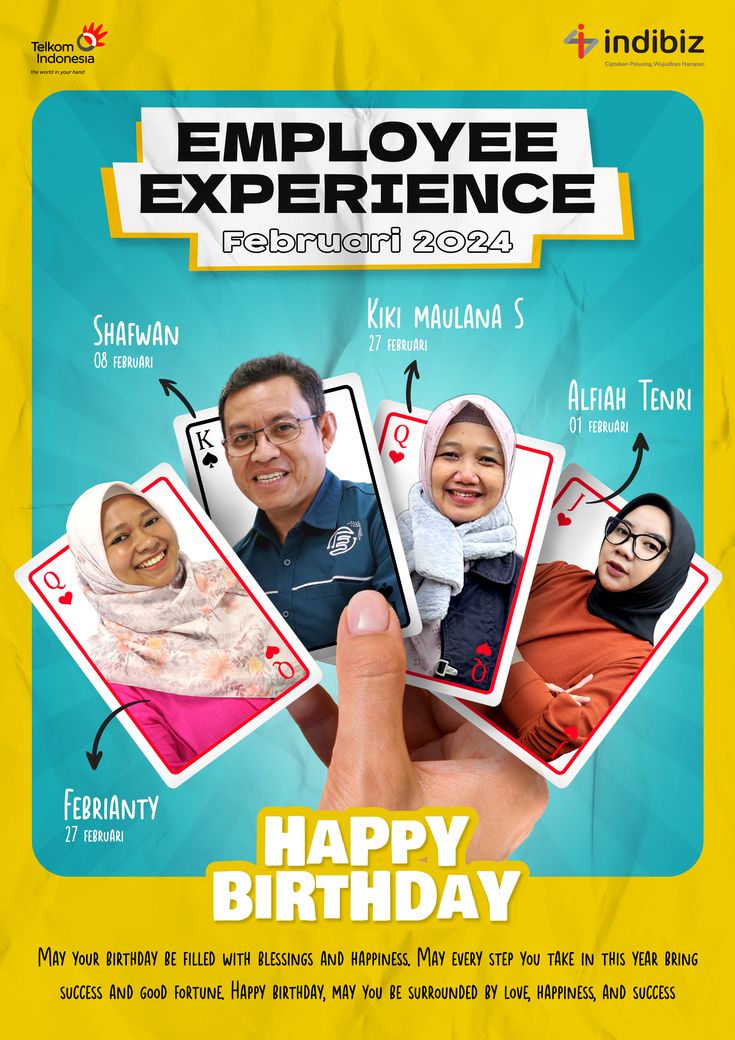
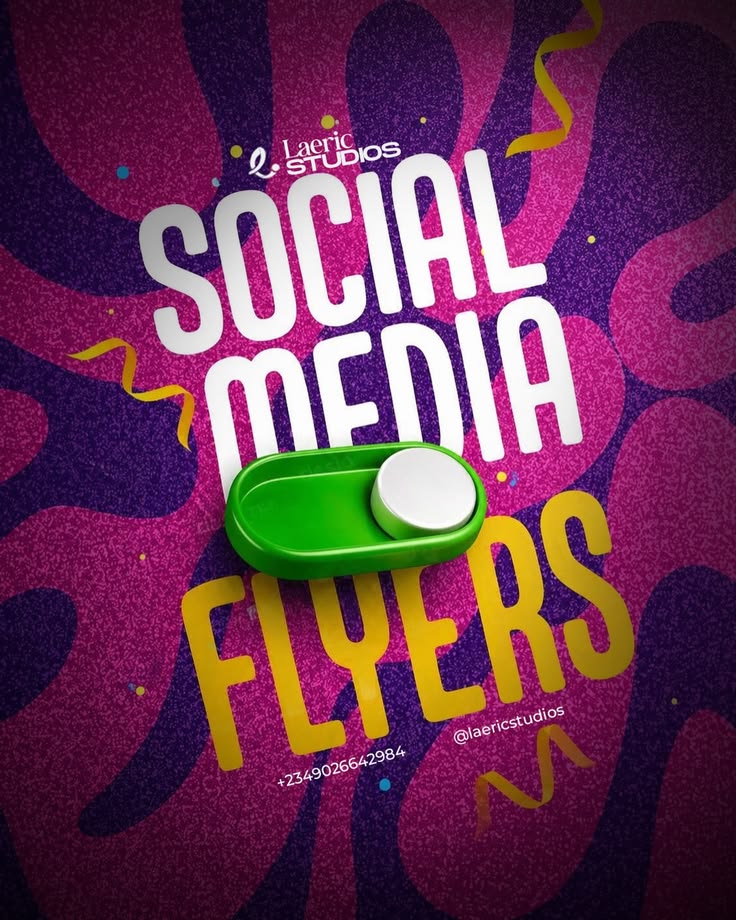
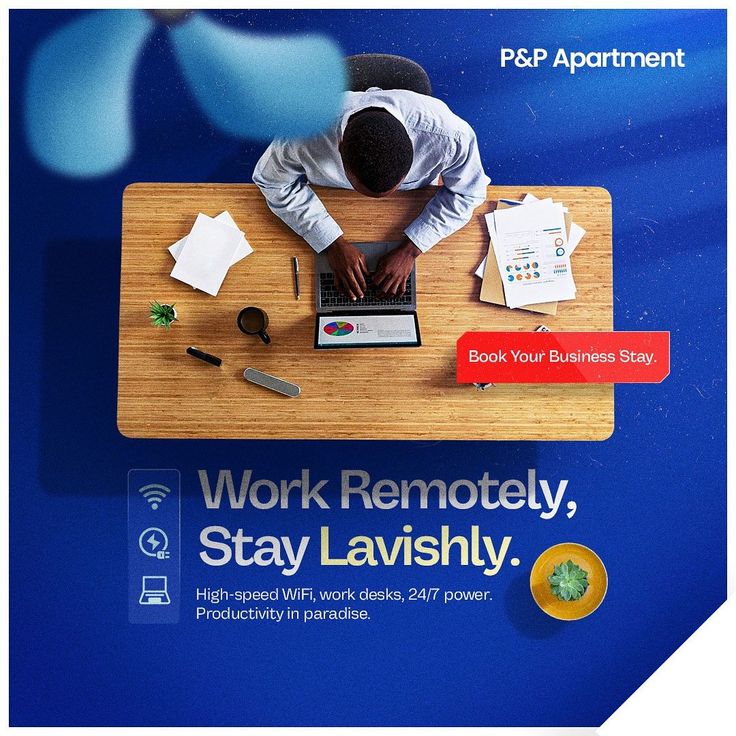
Designs you'll be able to
make in Figma
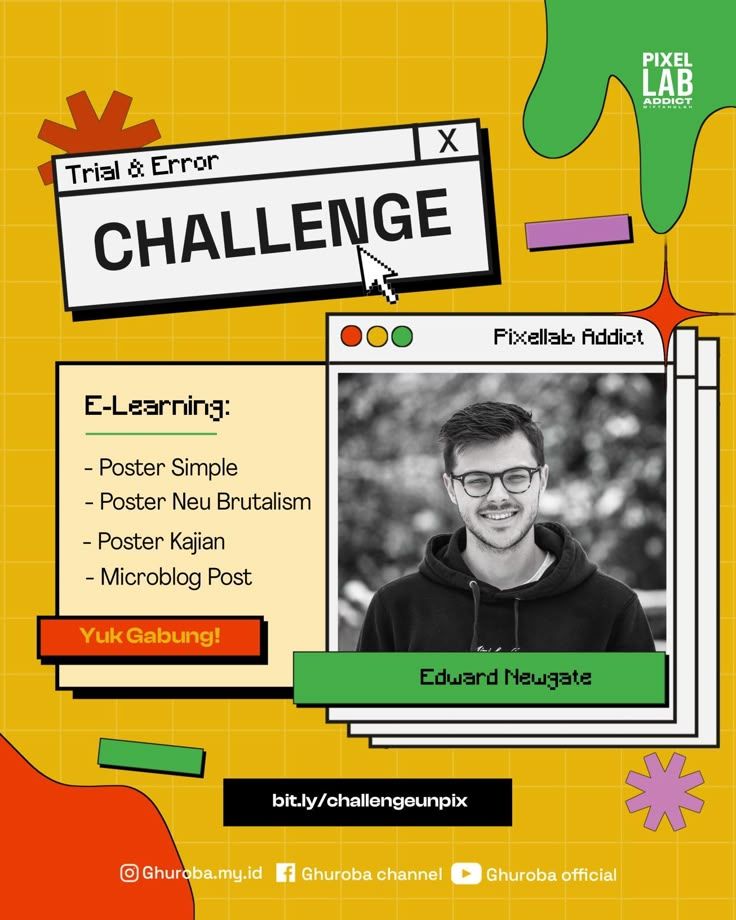
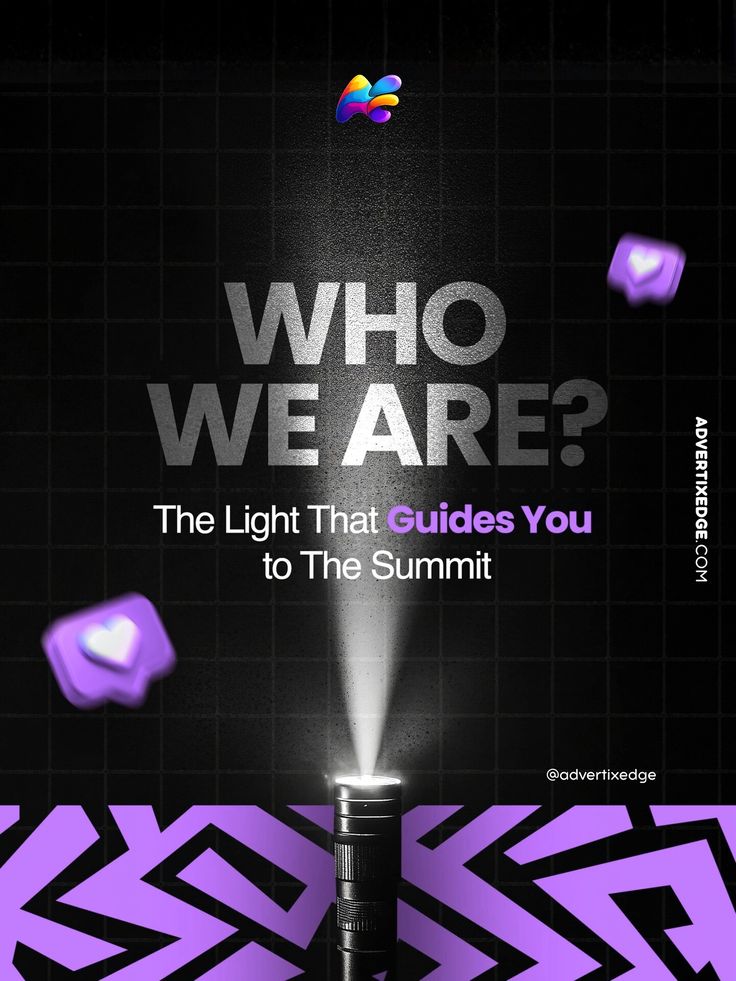
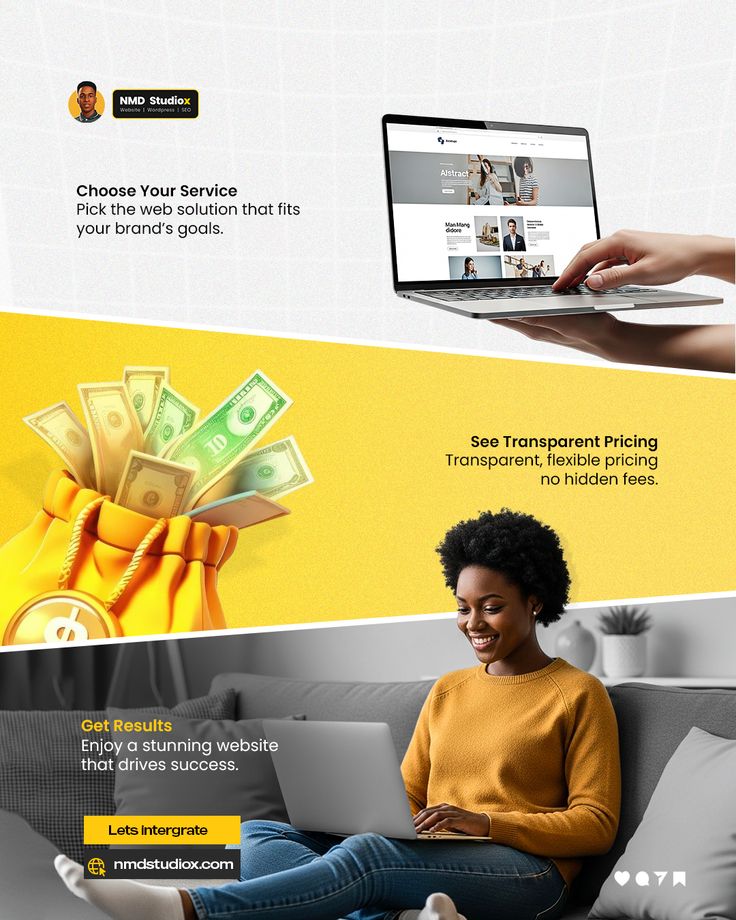

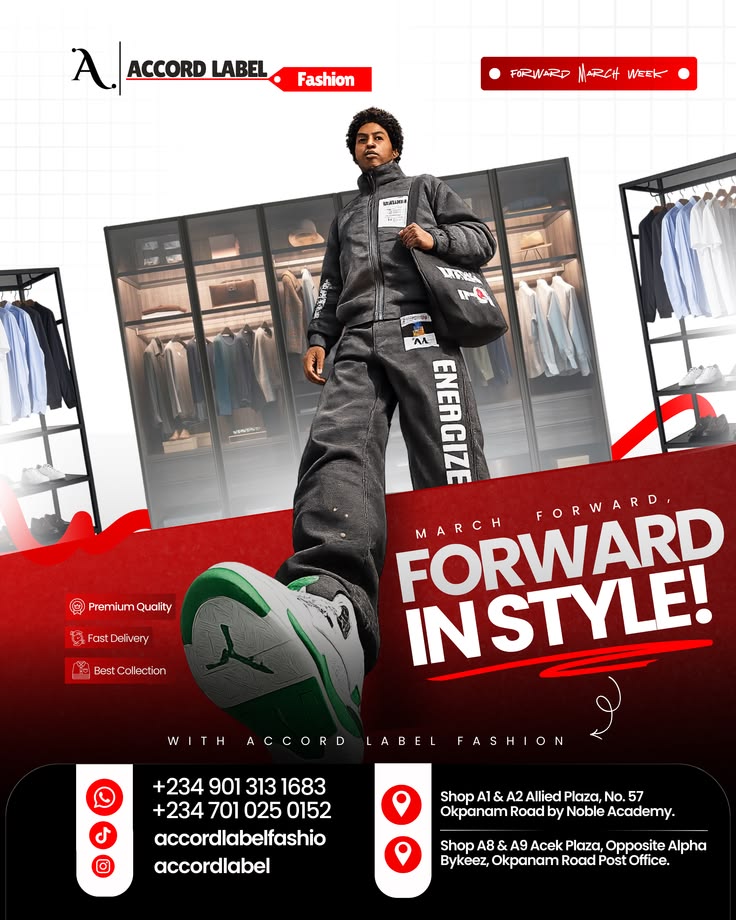
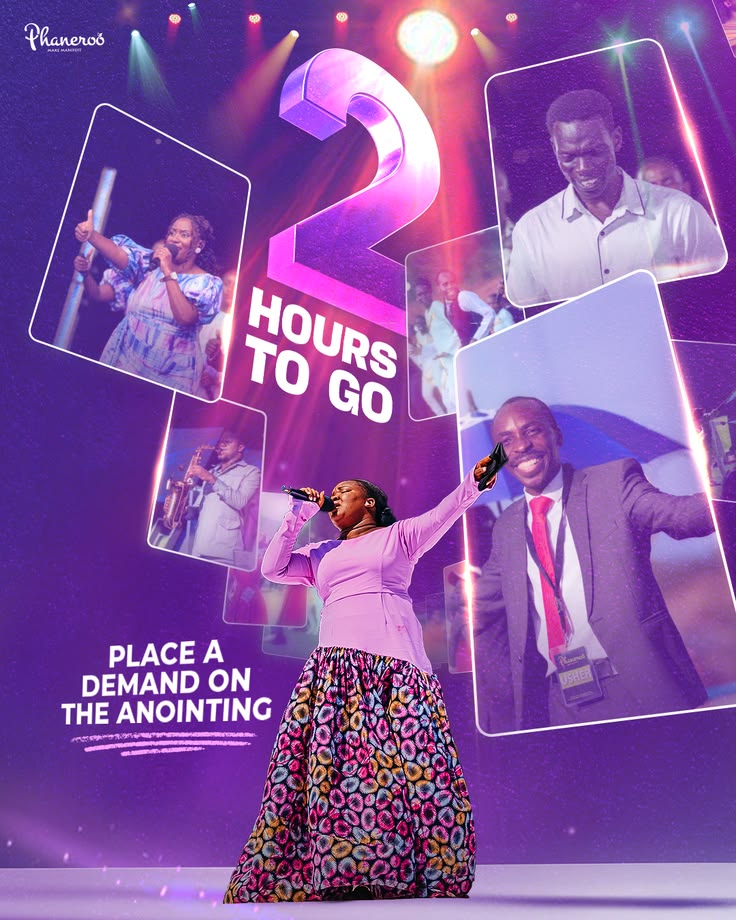
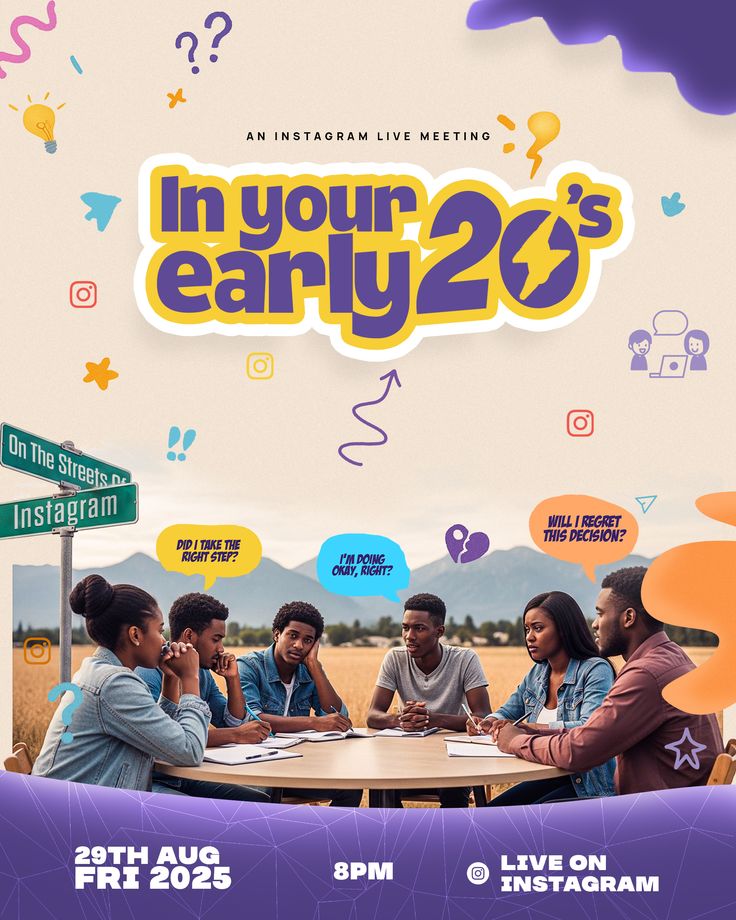


Everything you need to go
from confused to confident
Built specifically for graphic designers who already know design — but need to master the tool.
Structured Video Lessons
Clear, step-by-step lessons — no fluff. Watch at your own pace and rewind anytime.
Real Design Projects
Every module ends with a hands-on practical — flyers, posters, a full brand campaign.
Figma Source Files
Download every project file to follow along, deconstruct the work, and build your portfolio.
AI Workflow Tips
Integrate AI tools into your Figma workflow to design smarter and faster than everyone else.
Freelancing Blueprint
Build a killer portfolio, price your work right, and learn how to land real paying clients.
Community Access
Join a private group of designers — get feedback, share your work, and grow together.
4 modules. Real projects.
Zero fluff.
Each module builds on the last. By the end, you'll have a portfolio of real work designed in Figma.
- Introduction to the Course
- Figma & Understanding the Interface
- Frames, Pages and Layers
- Basic Tools and Shortcuts
- Practical: Recreate a Social Media Flyer
- Typography and Text Styling
- Colors, Gradients and Effects
- Using Images and Masking
- Alignment, Spacing and Layout Principles
- Practical: Design a Modern Event Flyer
- Social Media Design
- Flyers and Posters
- Brand Presentation
- Using AI to Optimize Design Workflow
- File Organization and Workflow
- Practical: Create a Mini Brand Campaign
- Best Plugins for Designers
- Exporting Designs Properly
- Sharing Files with Clients or Teams
- Building a Strong Portfolio
- Freelancing and Getting Clients
- Final Project: Complete Brand Campaign
Learn from someone who
actually does the work

Ben Odeyemi
Product Designer & Figma InstructorI'm a product designer and web developer who uses Figma every day for real client projects — from brand campaigns and social media to full website designs. I built this course because I know what it's like to struggle with a new tool when you already have the design skills. Every lesson is practical, straight-to-the-point, and built for graphic designers who want to level up.
Designers I've personally
taught Figma
"Ben broke Figma down in a way that actually made sense. I went from avoiding it completely to designing real client work confidently. The practical approach made all the difference."
"I used to only design in Canva and Photoshop. Ben made Figma feel approachable and now it's my go-to for everything. No unnecessary jargon — it just clicks."
"The practical-first approach is what got me. Instead of just talking, Ben showed me how to design real things. I finished my first brand project in Figma right after."
Frequently asked
You should have basic graphic design knowledge. This course teaches Figma specifically. If you already use Canva, Photoshop, or CorelDraw, this is perfect for you.
The course launches in 3 weeks. Pre-order to join the waitlist WhatsApp group for updates and first access.
All lessons are pre-recorded so you can learn at your own pace. You also get community access for feedback and support.
You can watch lessons on any device. For practicals, you'll need a laptop or desktop with Figma installed (it's free).
₦14,700 is an exclusive early-supporter discount. Once the course launches, the full price is ₦35,000. Lock it in now.
Yes — lifetime access to all content, including future updates and bonus material added later.
Stop watching random
tutorials. Learn Figma
the right way.
Join the pre-order and save 58% before the price goes up.